EMBER³ / 3D MINESWEEPER
About the game
Play EMBER³, a free 3D Minesweeper puzzle in your browser. Rotate the cube, explore its layers and solve verified no-guess boards with explained hints.
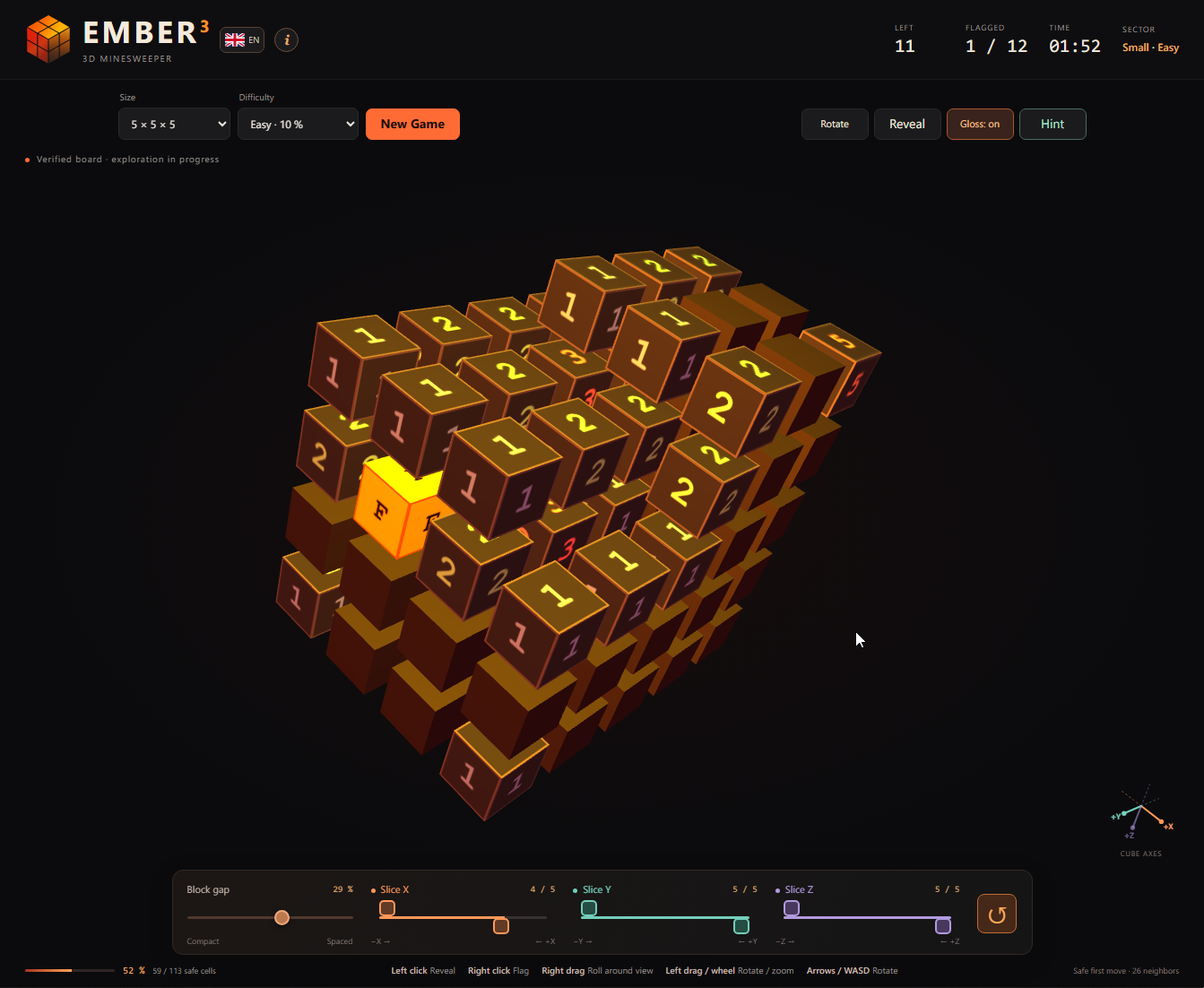
Revealed numbers, a flagged cell and an X-axis slice during a game.
Open full-size screenshot (new tab)Logic instead of luck
After your first reveal, the game generates and verifies a board that its logical solver can finish without guessing. Mines stay fixed once play begins. A mistaken reveal can still lose the game.
How 3D Minesweeper works
A clue counts mines in cells touching a face, edge, or corner. There are up to 26 neighboring cells; boundary cells have fewer. Include layers in front and behind. Slices hide cells but never change the clue.
An empty zero cell disappears. Its connected zero region and numbered boundary open automatically. Flags are skipped; a wrong flag may block expansion. Hint can then prove that flag sits on a safe cell.
Choose a number beside an opened area. Count unresolved neighbors in all layers. Subtract proven mines. Check the one-clue rules, then compare a nearby clue. Make one certain move and recount.
Explore every layer
Use the X, Y and Z slice controls to look inside the cube from either end of each axis. Adjust the block gap for a clearer view. Slicing changes visibility, never the mines or clues.
Controls
Mouse and keyboard
Left-drag as if rolling a ball: the center tilts the cube, movement around the edge mostly rolls it. Dragging beyond the old rim continues smoothly. Right-drag sideways gives a pure roll around your view. Click reveals; a short right-click toggles a flag, never after dragging. The wheel zooms; arrows or WASD also rotate.
Touch controls
Drag one finger as if rolling a ball: the center tilts, movement around the edge mostly rolls. Motion continues smoothly beyond the old rim. Twist two fingers to roll around your view; pinch to zoom. Tap to reveal; hold a covered cell for half a second to toggle its flag. Dragging or adding another finger cancels the hold. Flag mode is also in the toolbar.
Inside EMBER³
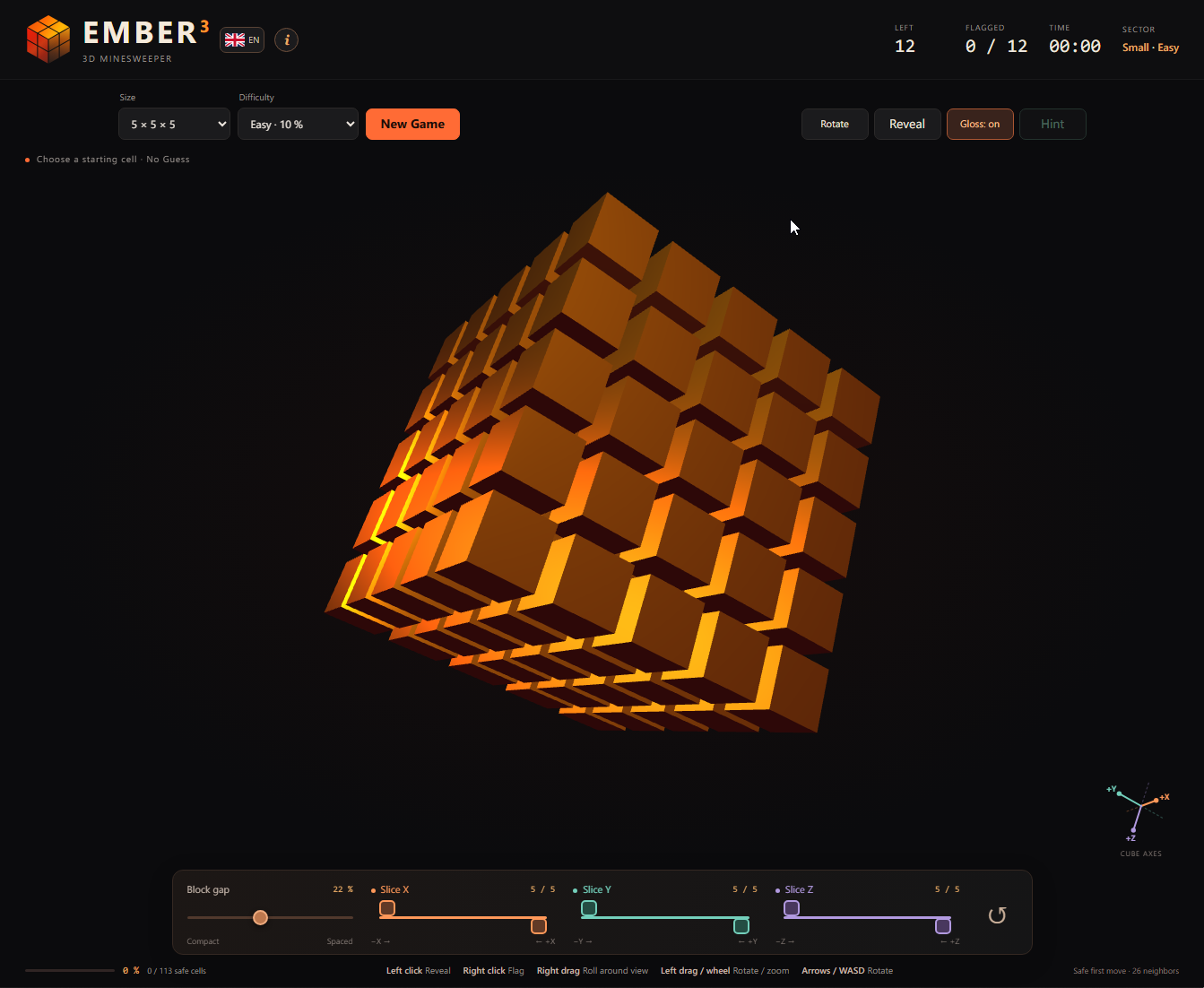
The glossy cube before the first move.
Open full-size screenshot (new tab)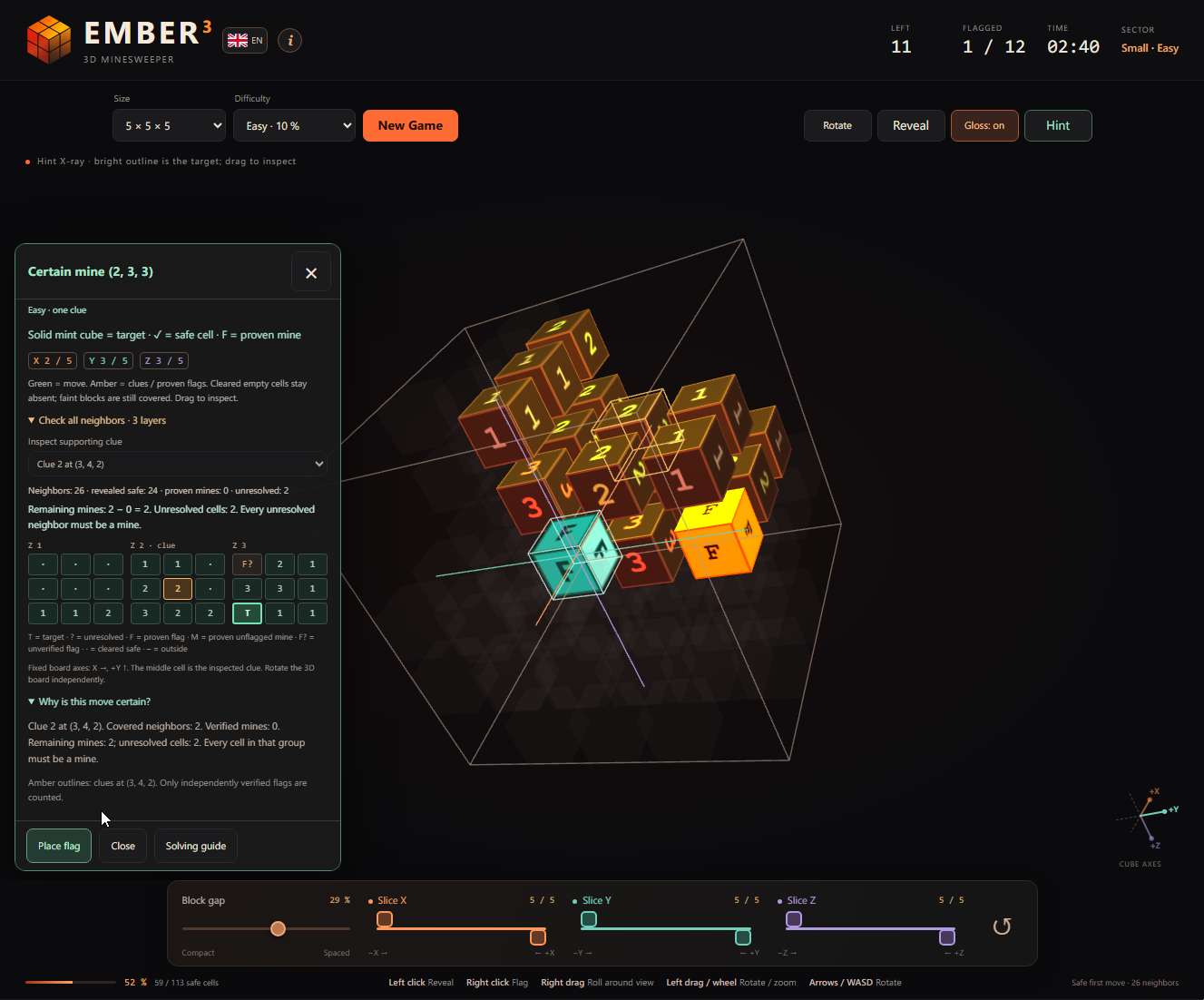
An explained hint highlights a certain mine and shows the three neighboring layers.
Open full-size screenshot (new tab)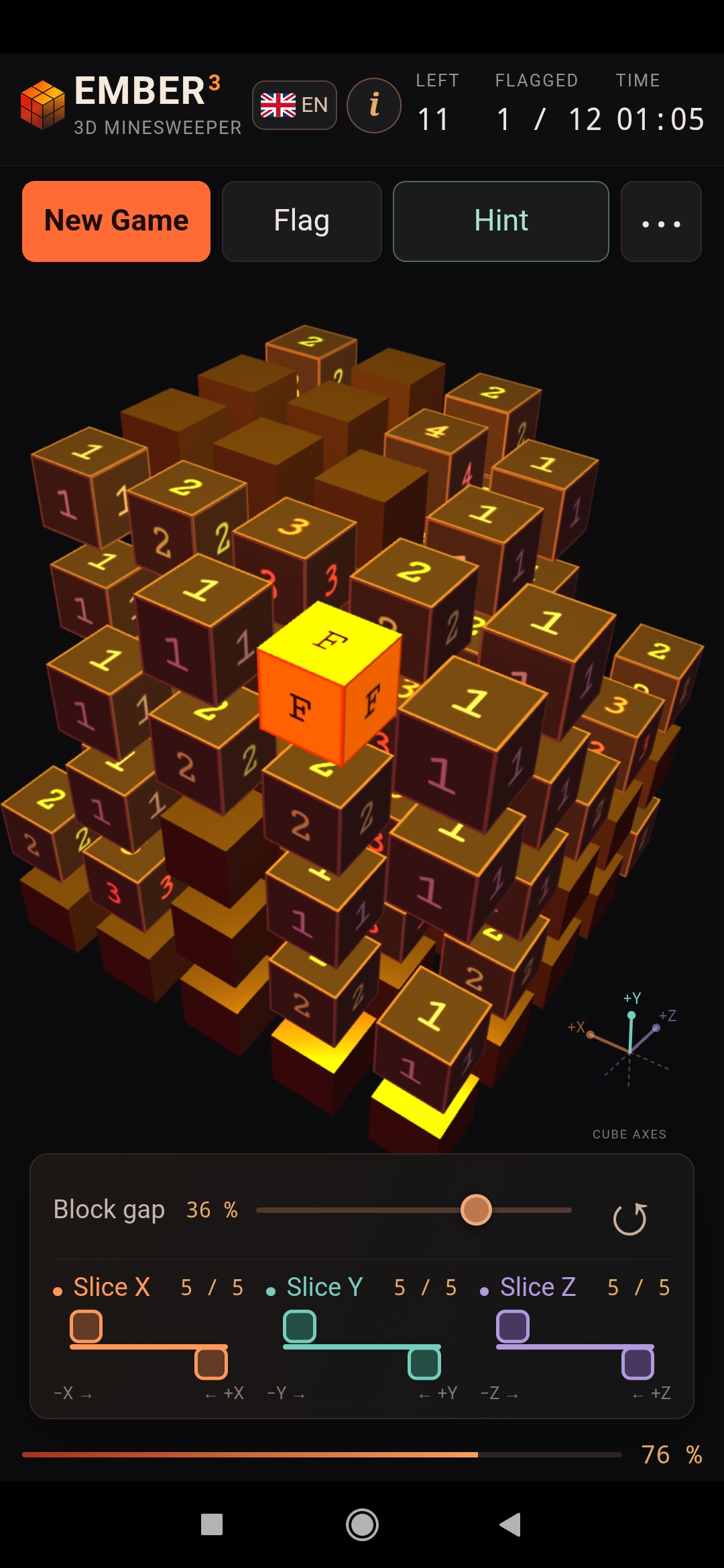
Touch controls and an active game on an Android phone.
Open full-size screenshot (new tab)